Bitpanda and Fibank: crypto inside a banking app
Bulgaria's Fibank will offer crypto through Bitpanda in its My Fibank app. What the partnership means, and what stays the same for you.

Two-step authentication for Skrill, Neteller, Payz and your email takes five minutes and keeps strangers out.
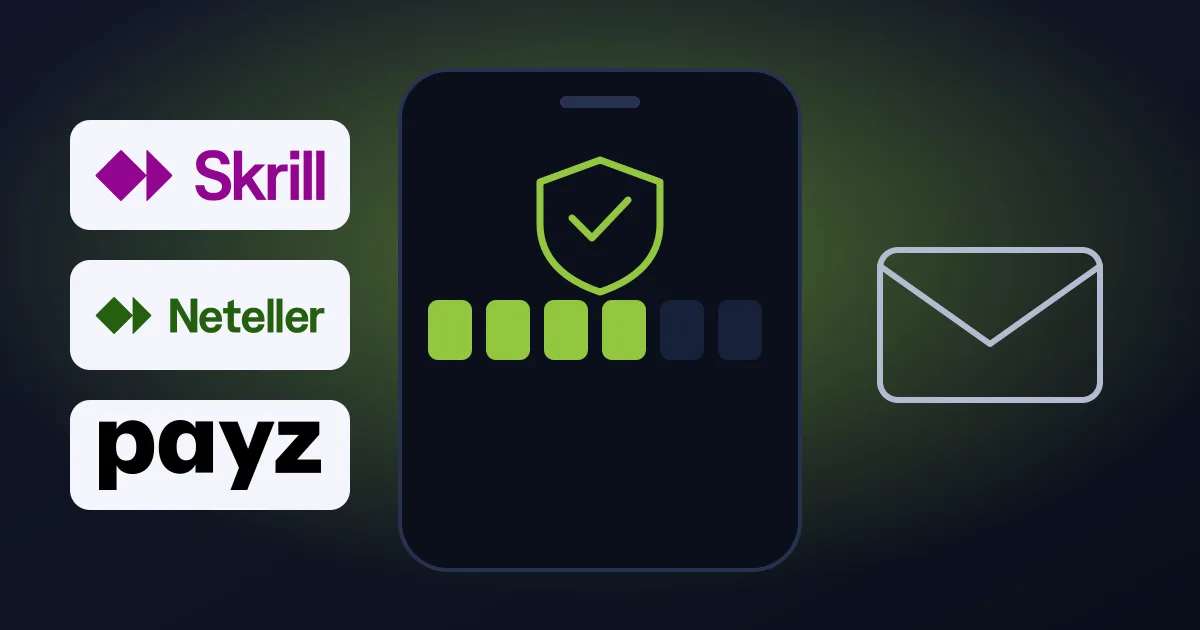
Your eWallet is the door to your money. Two-step authentication (2FA) makes sure only you get in: besides your password you need a code from an app on your phone.
Your email is the key to all other accounts: whoever gets in can reset your passwords. Protect it as well.
For Gmail:
Almost every other provider offers 2FA as well. Check their help pages for instructions.
Bulgaria's Fibank will offer crypto through Bitpanda in its My Fibank app. What the partnership means, and what stays the same for you.
Paysafe is now title partner of a Formula E team. For Skrill and Neteller accounts, fees, limits and products stay as they are.
Bitpanda and Raiffeisen Bank International agree a group-wide framework for crypto services in 11 CEE markets. What it means for buying crypto.